NEWS
Managing photos with Media Center
Learn about some of the recent and upcoming enhancements for adding and managing your listing photos in Bright.
One of our ongoing initiatives to improve your experience in Bright is enhancing the process of adding photos to a listing. New options that will help streamline and significantly reduce the time and effort required for this part of the listing entry process are being released in several phases.
Coming Soon! Meet Media Sync
The game-changing solution that brings listing photos & virtual tours to your listing in seconds.
Starting this summer, we will be rolling out a brand new feature that moves digital assets from media providers directly to Bright Listing Management. Now in beta, Media Sync will soon be available in select photographer portals to add media to your listings with speed and convenience.
- Work from anywhere: One click brings in high-quality photos and captions directly from your vendor.
- No need for extra storage: The link to Bright removes the need to download and upload manually.
- Worry less about potential issues: Upload media fast without the worry of slow wi-fi and bad connections.
Stay tuned for more information about Media Sync in the weeks ahead!
Now available: Updated options for managing photos through Media Center
We have made several enhancements to Media Center, where photos are uploaded through Listing Management. The new Media Center features:
- An improved process for faster uploads to Listing Management
- A new progress bar that displays while photos are uploading
- A redesigned home page with fewer steps for managing your photos
- Easier drag-and-drop sorting from the main screen
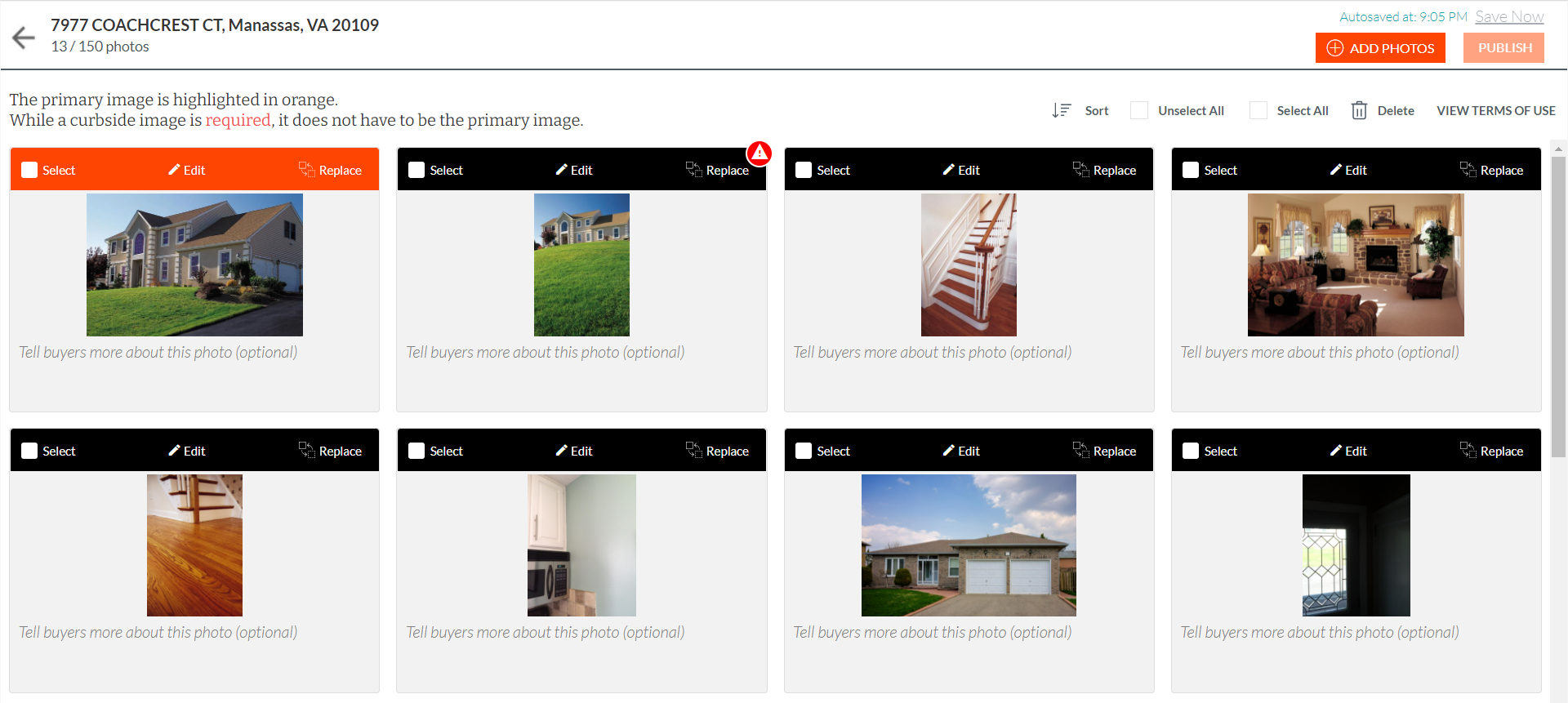
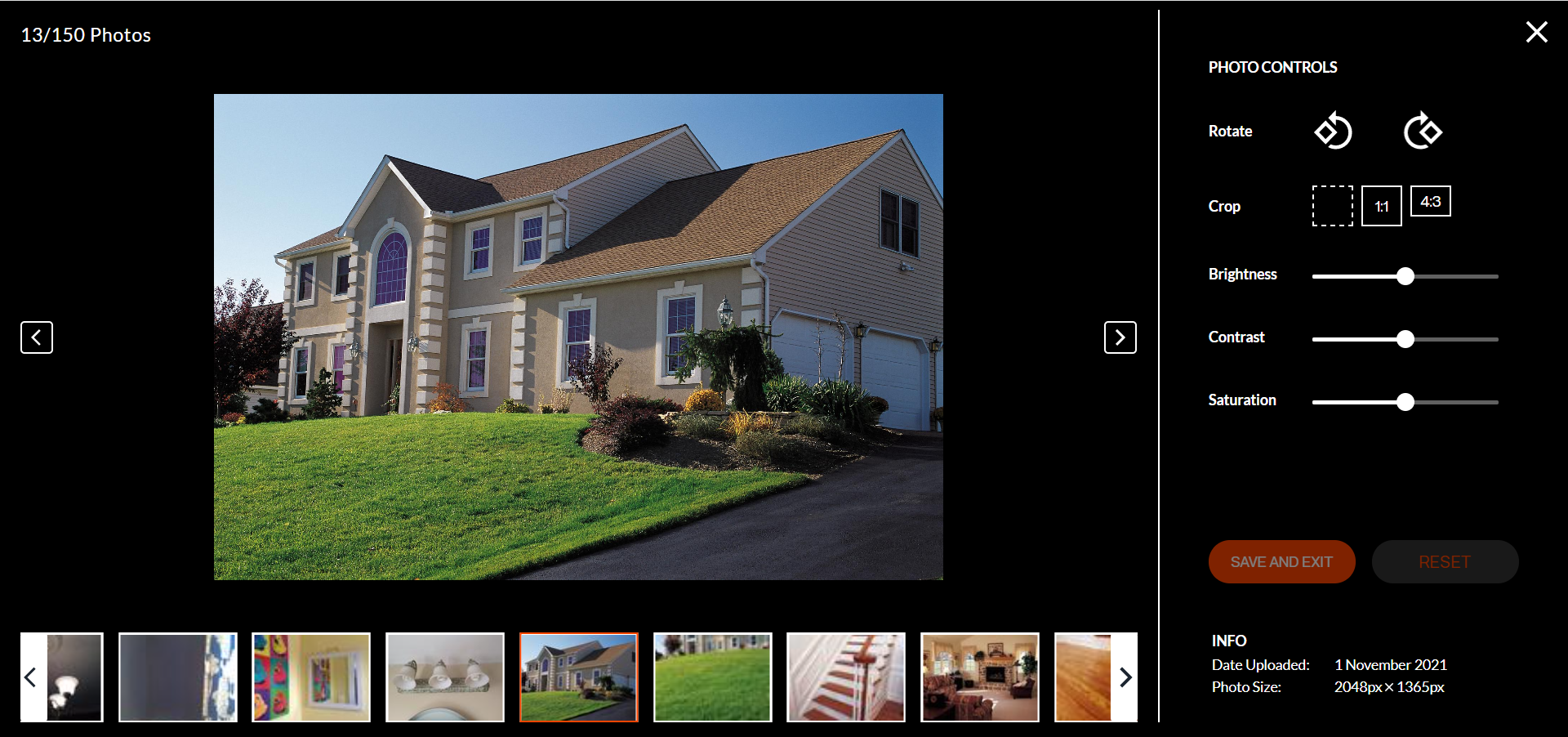
- A new edit screen for individual photos, with additional cropping options and “Date Uploaded” and “Photo Size” information at the bottom of the screen
Media Center Home Page (Old) - Listing Management:
Media Center Home Page (New) - Listing Management:
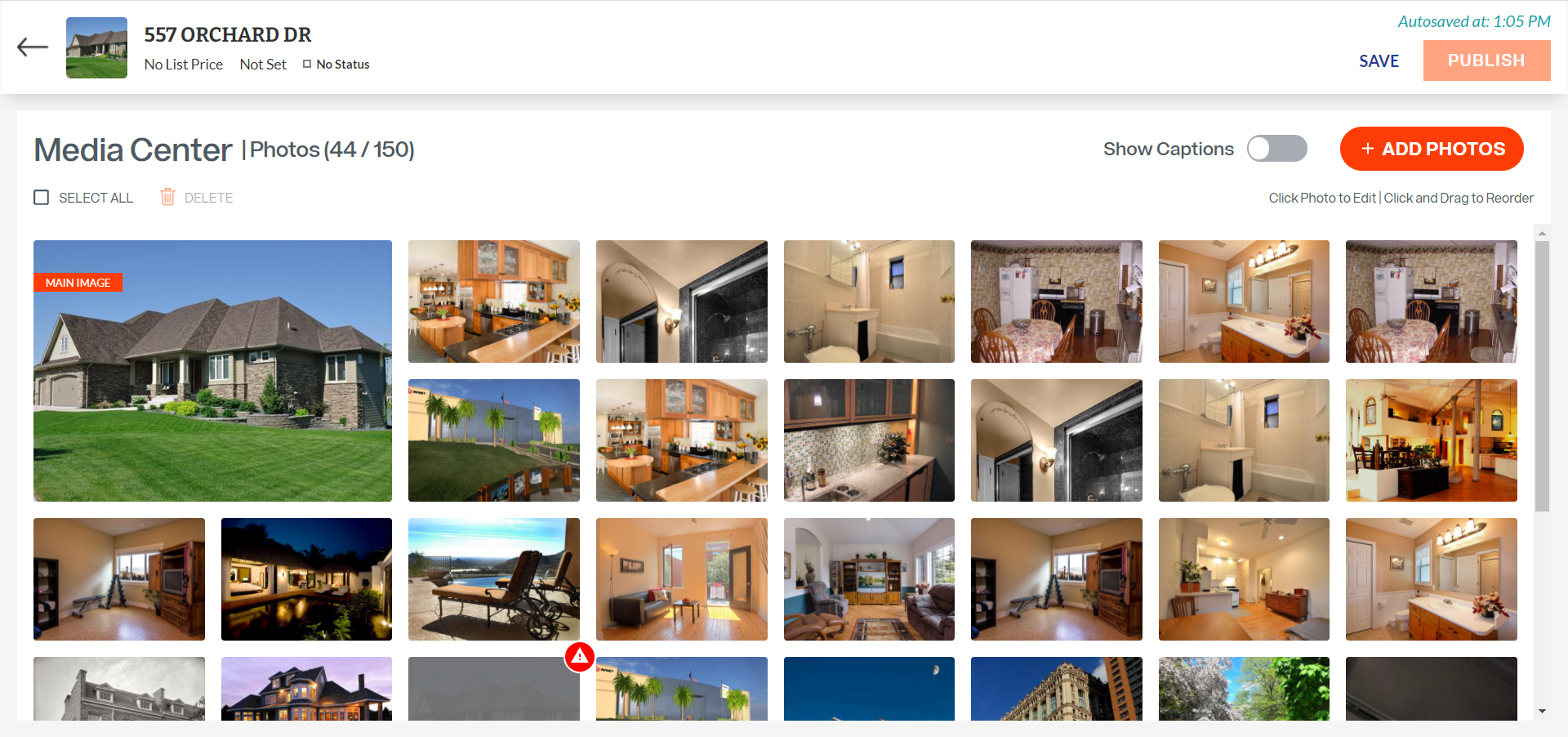
Photo Edit Screen (Old) - Listing Management:
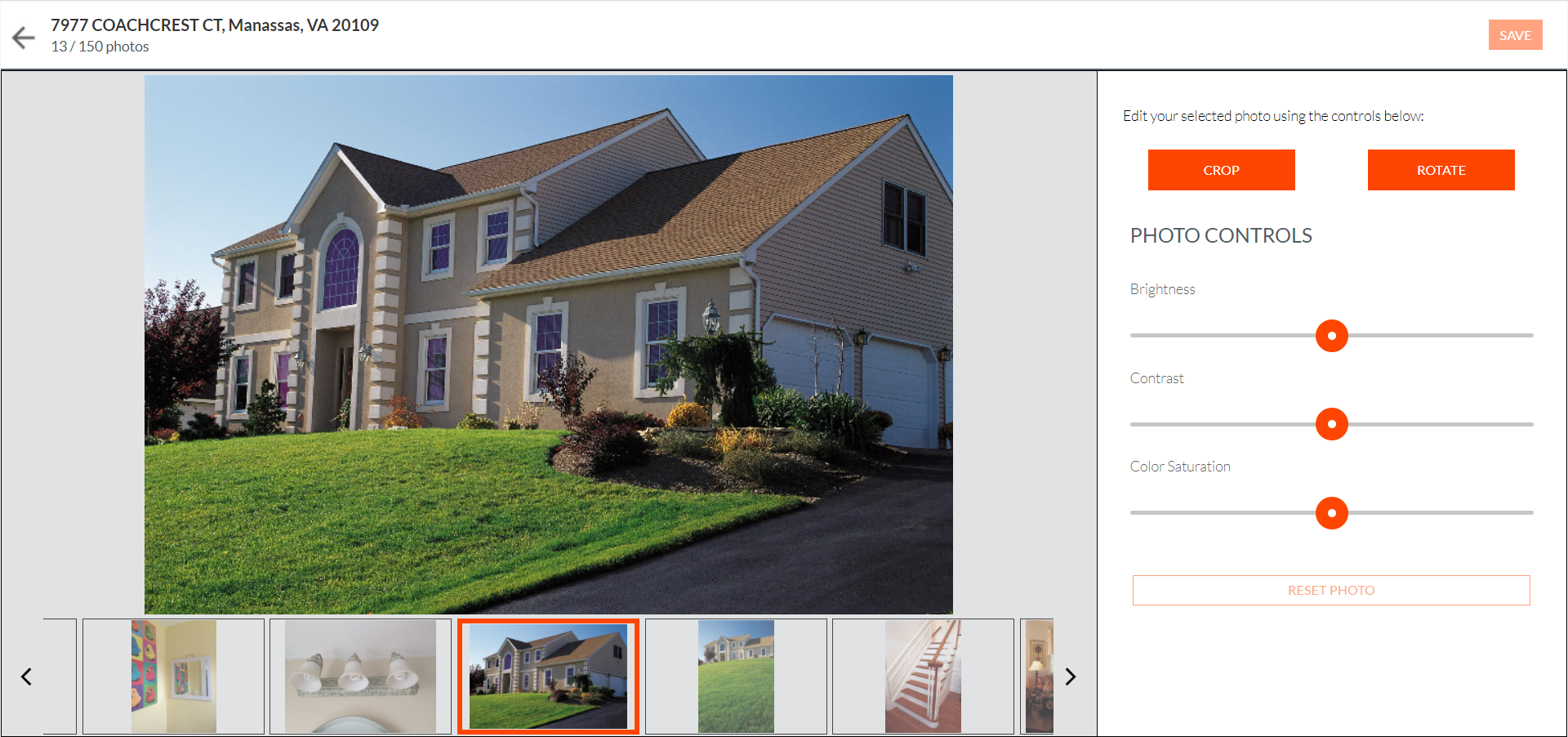
Photo Edit Screen (New) - Listing Management:
Previously released: Easily see photos you’ve uploaded to your listing
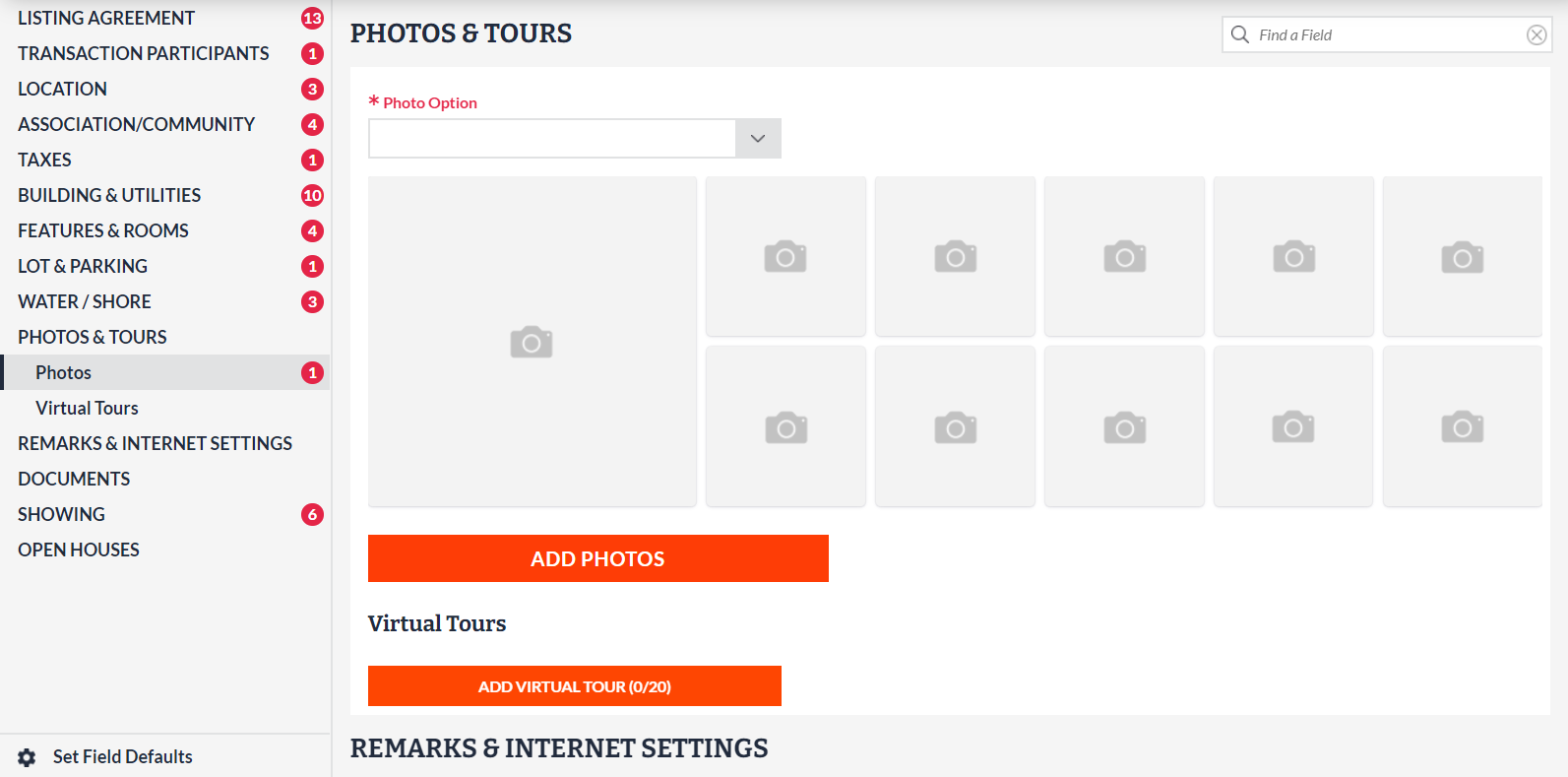
For a faster view of the photos that are already attached to a listing, a photo viewer that shows the first 10 photos you have uploaded to a listing is now available directly within the full edit screen of Listing Management. The main image is also featured prominently, so you can easily see which photo will display first for the listing. Clicking the orange button to add or manage photos will take you to the existing photo upload screens in Listing Management.
Photos Section (Old) - Listing Management:
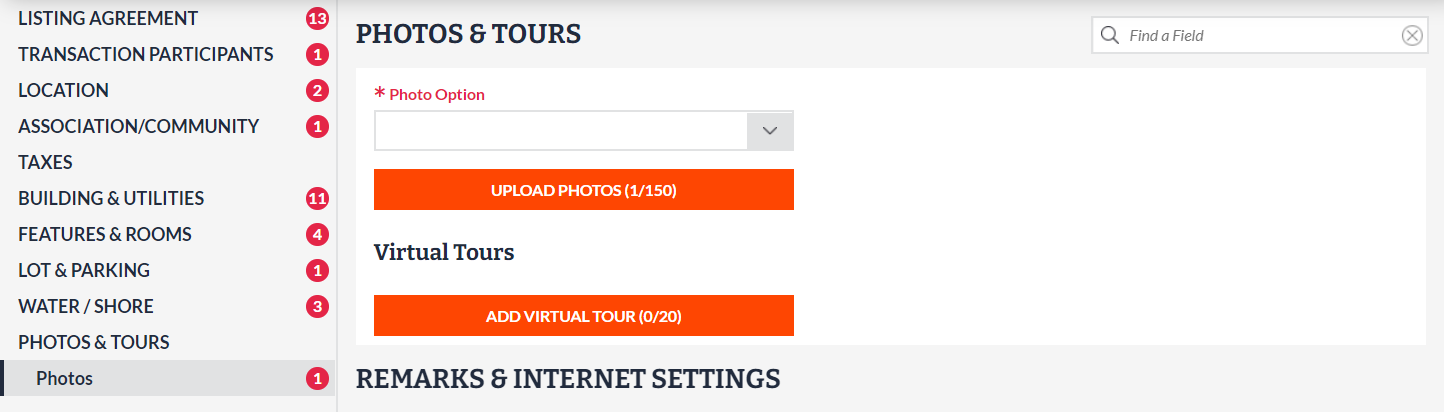
Photos Section (New) - Listing Management: