
Learn about the new options in Listing Management and Search, and the new feature for viewing your team’s performance in Teams Pro.
NEWS
System Updates: January 10
Learn about the new changes to the Listing Term Begins field, and other updates in Bright.
The following items were released January 10:
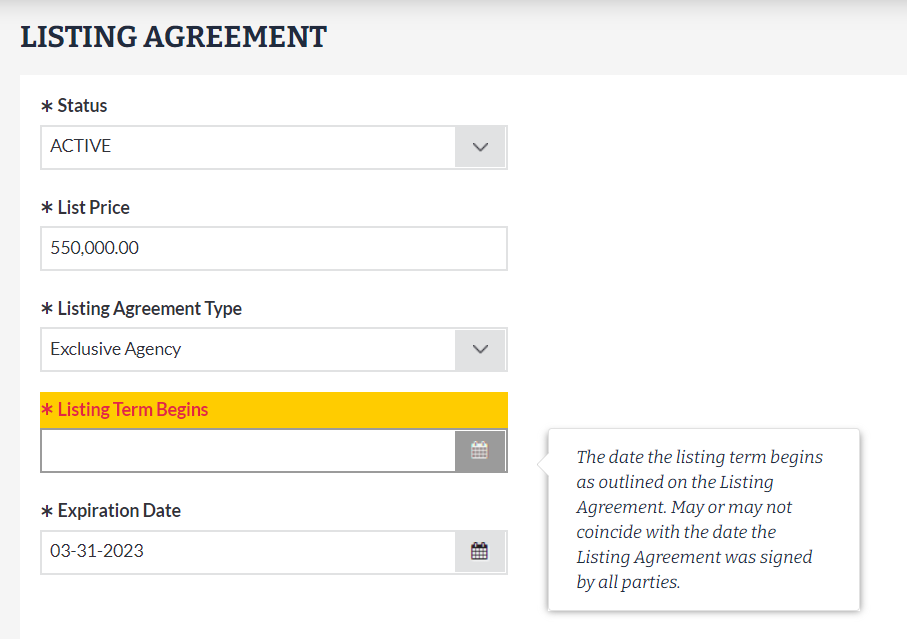
“Listing Term Begins” is now visible and required for all listings.
The Listing Term Begins field indicates the date a listing term begins according to the listing agreement. Previously, this field was automatically generated for some listings and was not editable in Listing Management. To help ensure more accurate listing information, Listing Term Begins is now visible and required for all listings in Bright. Learn more here.
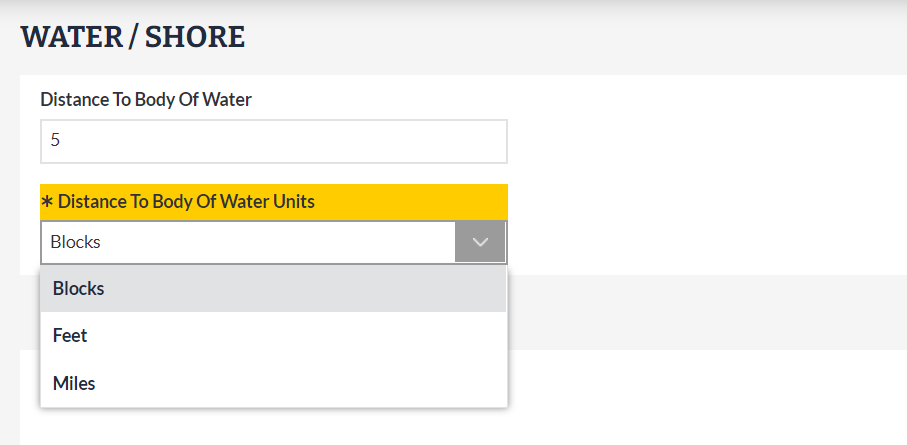
“Distance To Body Of Water Units” is now available in Listing Management.
For water-oriented listings, Distance To Body Of Water is an optional field that allows you to indicate how far a property is in relation to a nearby body of water. To help make this information more understandable, a new field for Distance To Body Of Water Units will now require you to specify whether this distance is measured in Blocks, Feet, or Miles.
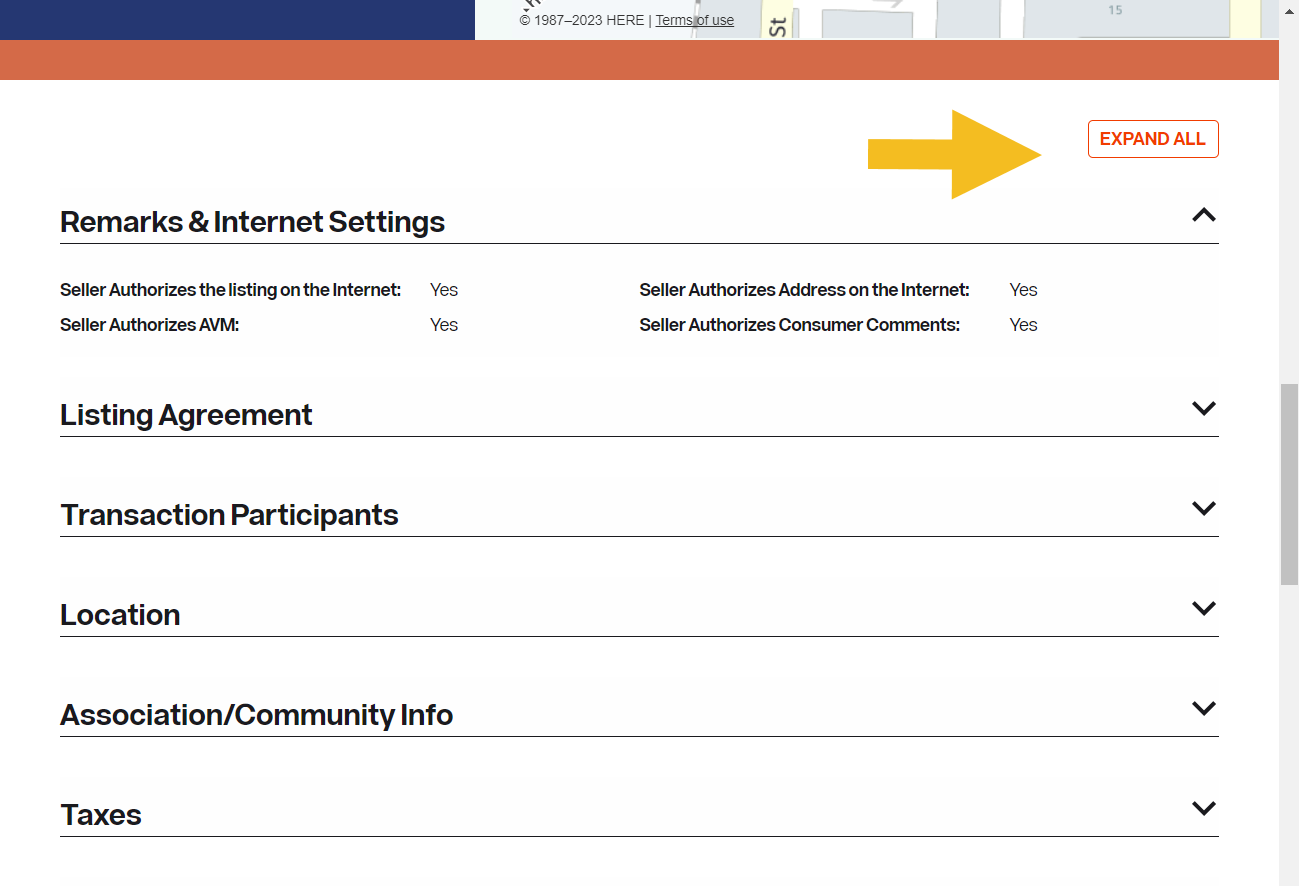
When viewing a listing’s key information in Listing Preview, you can now expand or collapse all sections at once.
Based on your requests, you can now expand or collapse all sections of Listing Preview instead of manually and closing opening each one using the new “Expand All/Collapse All” button located above Remarks & Internet Settings.
For information on past system releases, click here.
Need live training on using Bright tools?
Register for one of our upcoming webinars.
Schedule a time to Connect with a Customer Success Coach.
Recent articles
You can now access a complete listing preview—including photos—before you publish your listings.
Back to Top