
Learn about the new options in Search and Listing Management, and other updates in Bright.
NEWS
System Updates: March 4
Learn about the new Search displays for Pending and Active Under Contract listings, and other updates in Bright.
The following items were released March 4:
New options for viewing Selling Agent information on Pending and Active Under Contract listings.
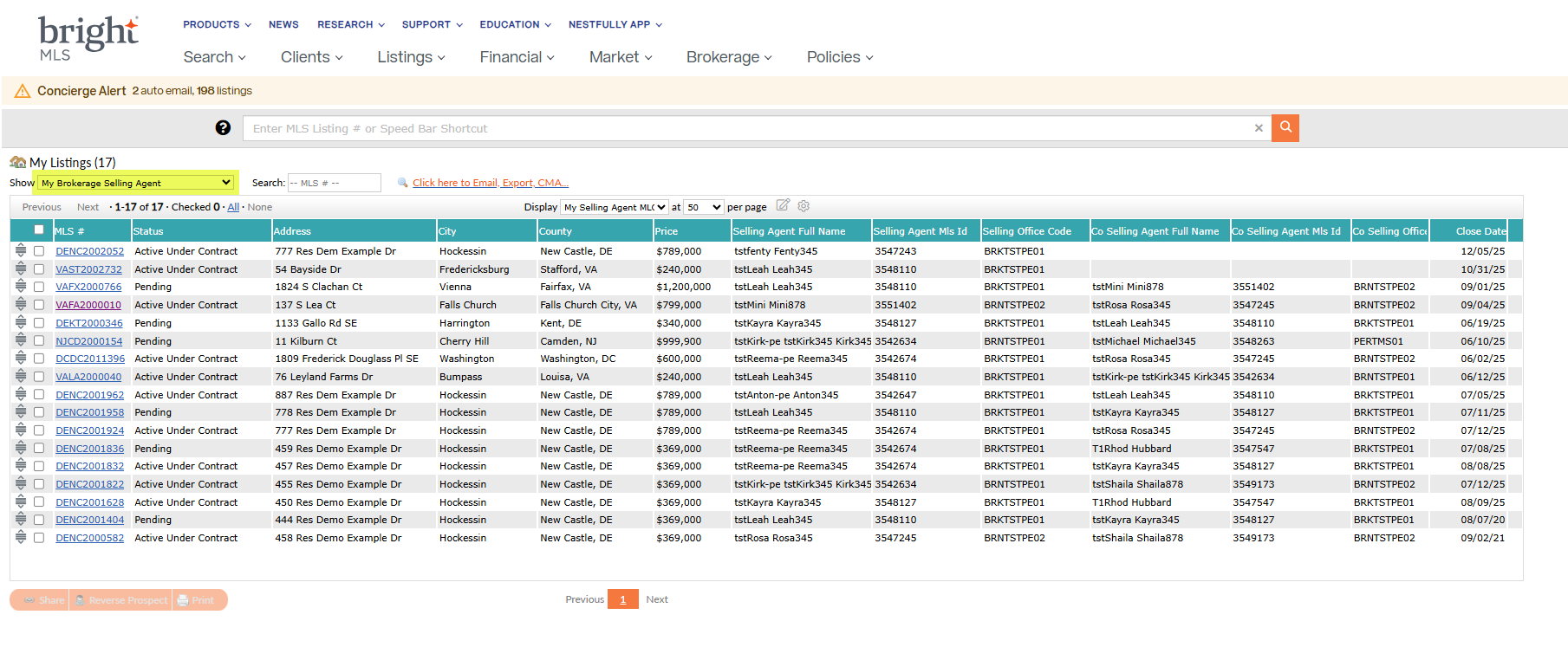
Based on requests, subscribers can now see selling agent’s information on any Pending or Active Under Contract listing where they were assigned as a Selling Agent or Co-Selling Agent in the new My Selling Agent display.
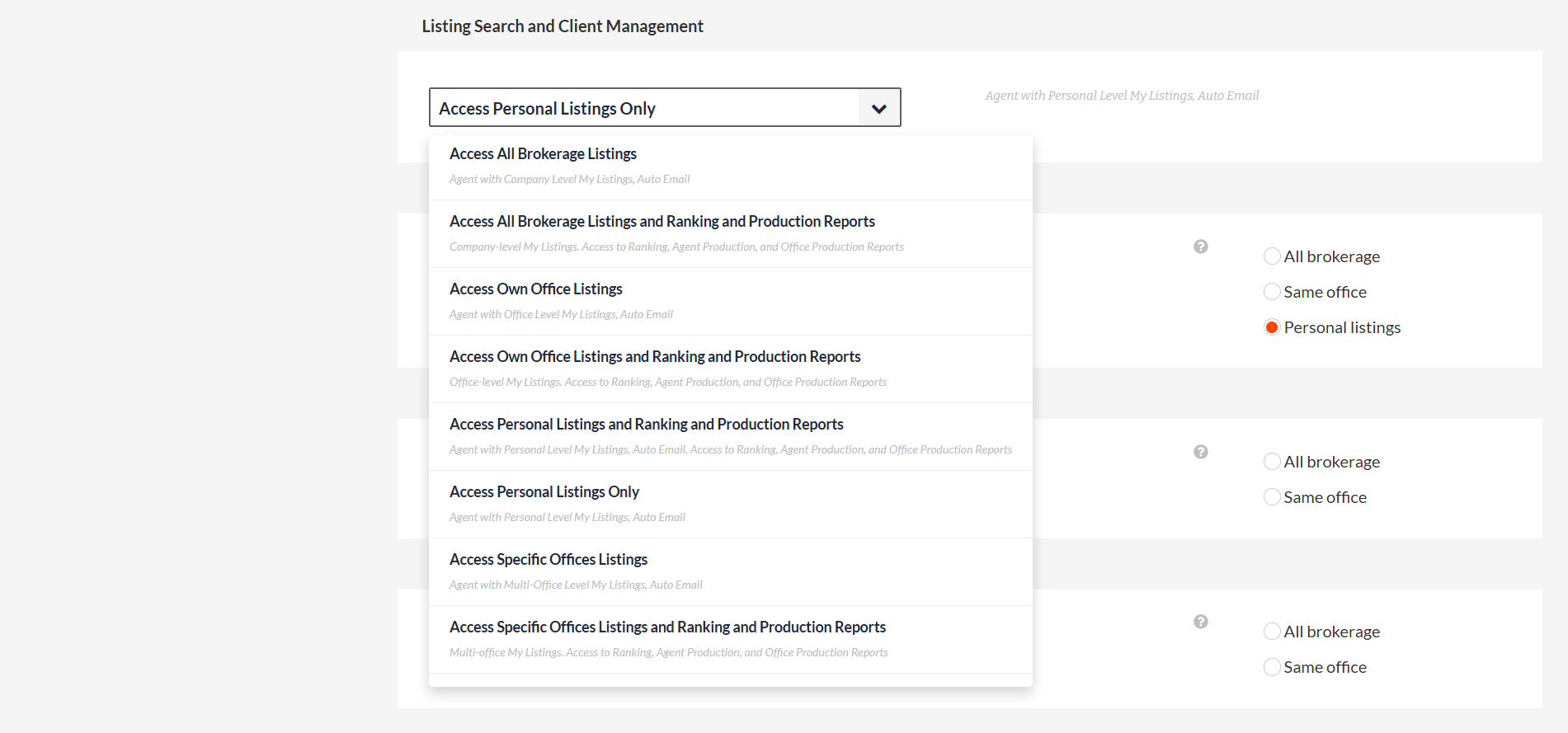
In addition, subscribers with brokerage level listing access in Bright will have access to the new My Brokerage Selling Agent display. This display helps office managers and staff identify the brokerages’ Active Under Contract and Pending transactions on the buy side. Brokers can provide access to the broker selling agent display by updating a subscriber’s permission settings in Listing Search and Client Management.
My Selling Agent display:
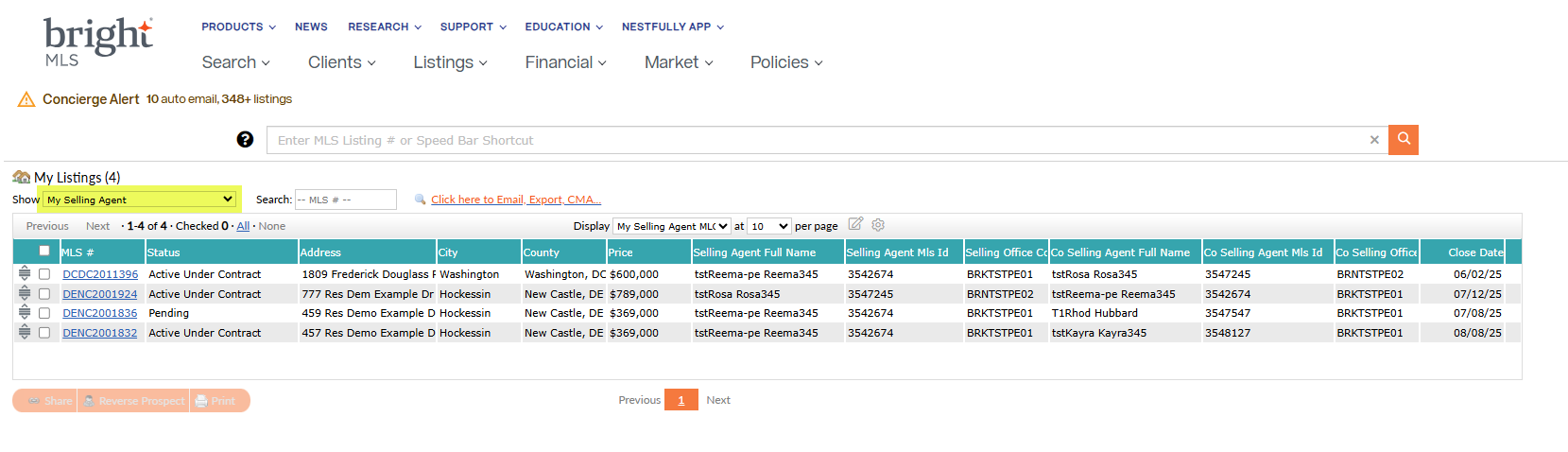
My Brokerage Selling Agent display:
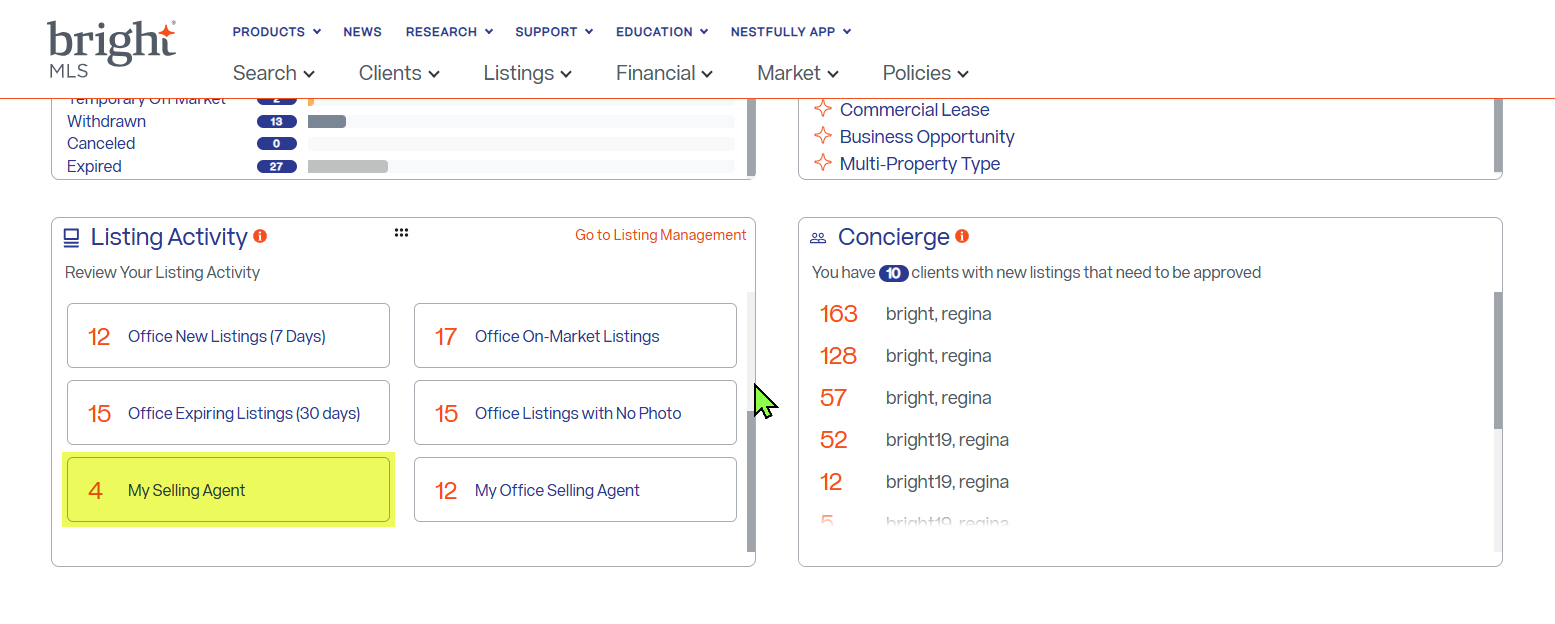
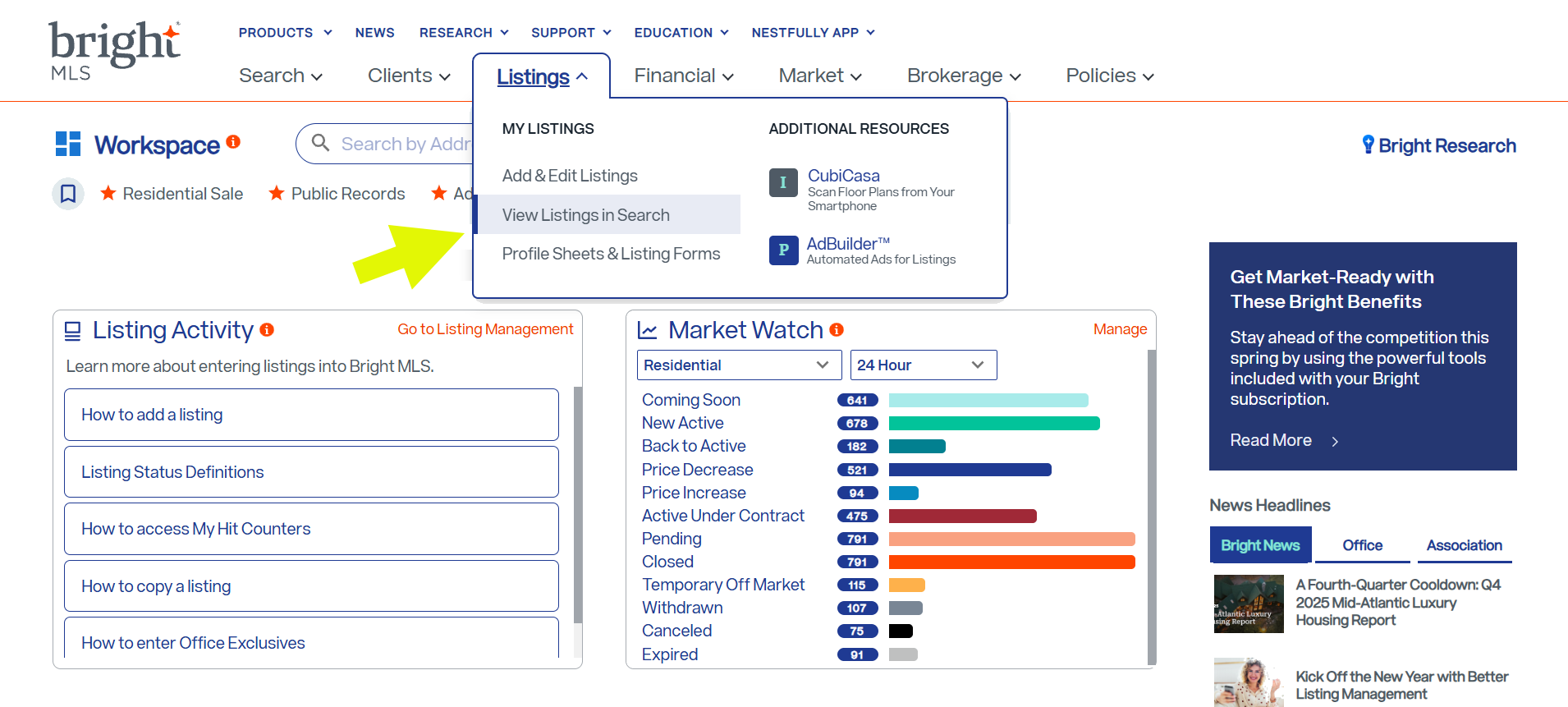
Authorized users can access these new displays from the Listing Activity widget on their Workspace, or by selecting View Listings in Search from Bright’s Listings menu.
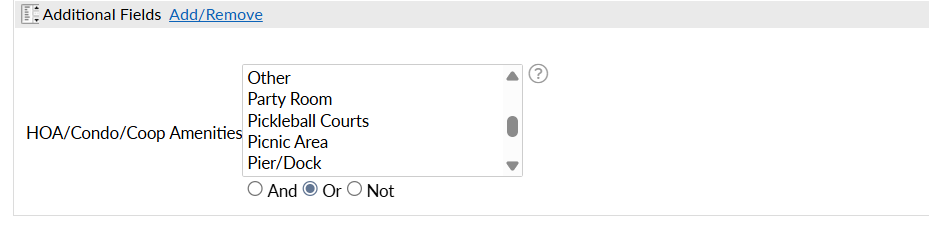
New picklist option for Pickleball Courts is now available in Bright Search.
As part of a recent update, Pickleball Courts was added to the HOA/Condo/Coop Fee Amenities picklist in Listing Management.
While listings are being entered and updated with this option, you will now be able to find relevant properties for your clients using Additional Fields in Search.
Recent articles
Join the growing crowd of agents and brokers who have discovered the benefits of Bright’s powerful listing solution.
Back to Top