
Learn about the new options in Listing Management and Search, and the new links for viewing Auto Emails and Saved Searches in Bright.
NEWS
System Updates: October 18
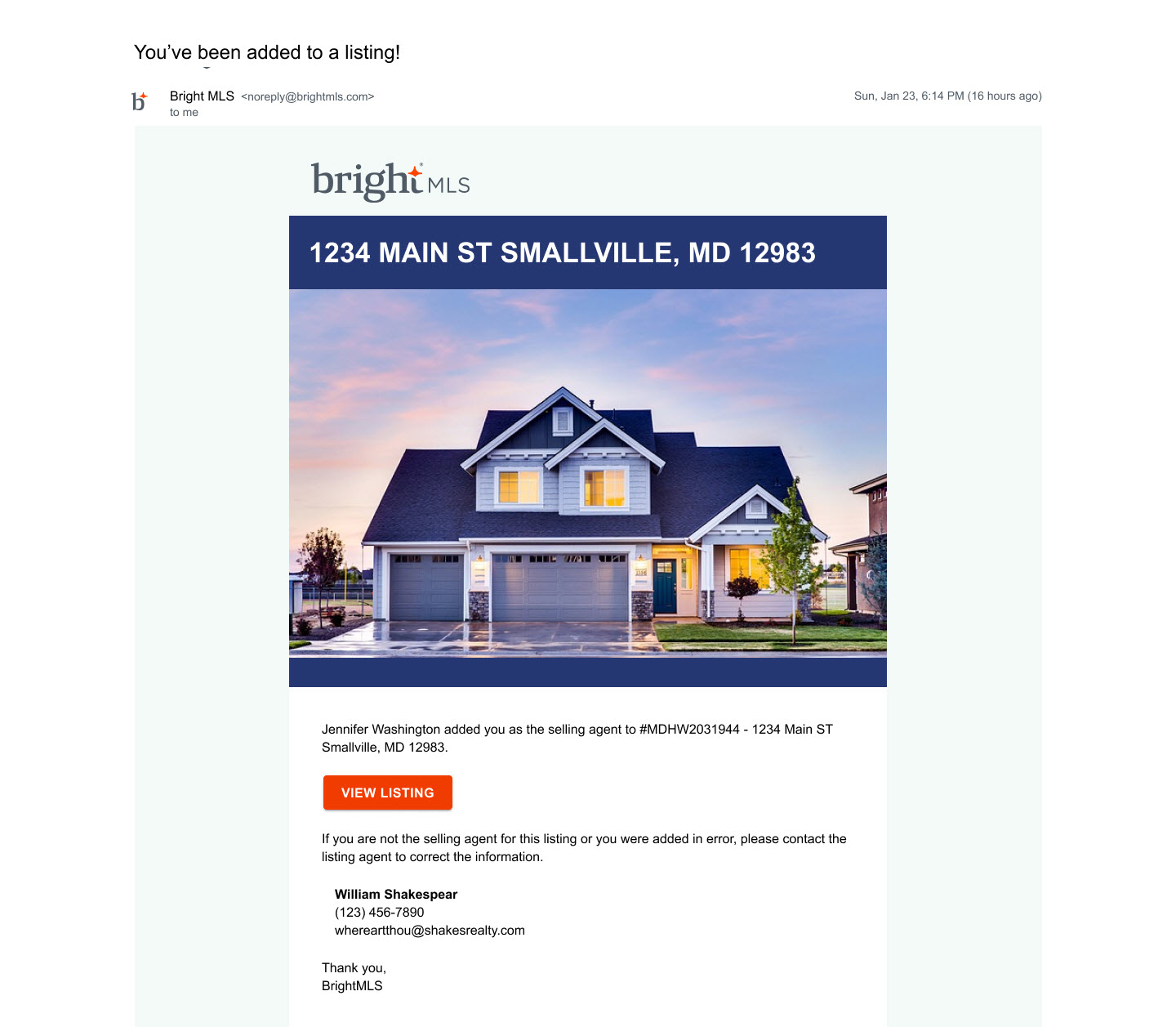
Learn about the new selling agent notifications from Bright, and other updates to Listing Management and Search.
The following items were released October 18:
Selling agent notifications will now be sent from Bright.
To save you the time of having to check on your own, you will now receive an email from Bright whenever you have been added to a listing as the Selling Agent or Co-Selling Agent. These emails are automatically sent as soon as a listing is published, and you will only receive the email once.
The new Selling Agent notification will include a link to the listing in Bright, along with the listing agent’s contact information in case you were added to the listing in error.
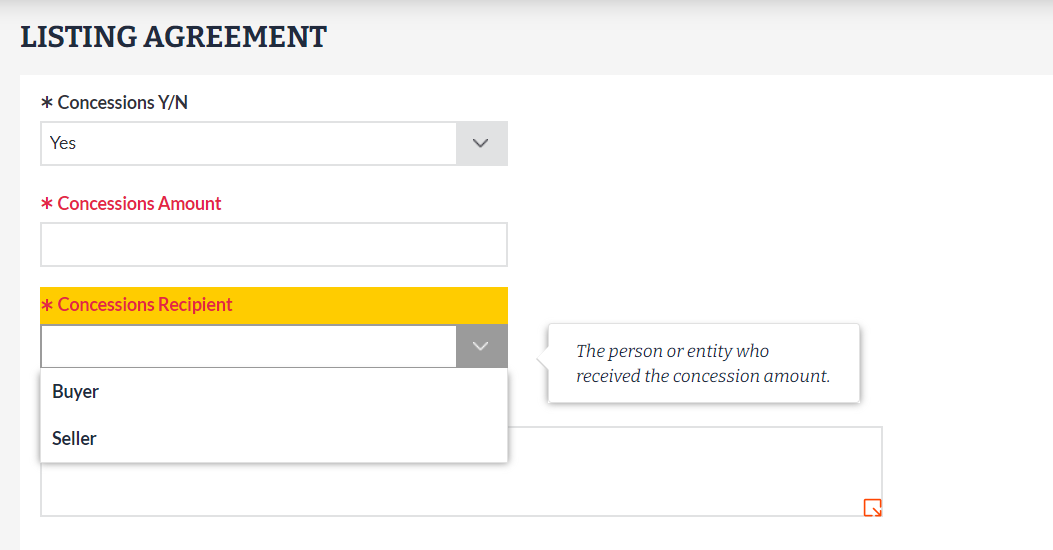
Concessions Recipient has been added to Listing Management and Search.
Based on your requests to view whether concessions were given to the buyer or the seller as part of a transaction in Bright, a new field labeled Concessions Recipient has been added for all property types in Listing Management. This field is now visible and required for any sold listing where Concessions Y/N = Yes.
Please note: If you have an on-market listing that you are moving to the Closed status, you will need to add this information if Concessions Y/N = Yes.
In Search, this information will appear next to the Concessions amount under Sale/Lease Contract:

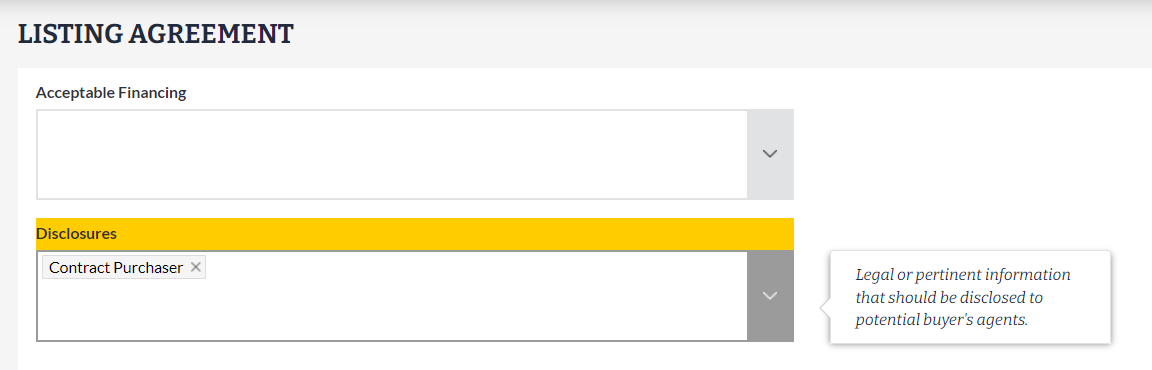
“Contract Purchaser” has been removed from the Disclosures field picklist.
Per Bright’s rules, equitable interest listings are not permitted in the MLS. To help eliminate any confusion at the point of listing entry, “Contract Purchaser” is no longer a picklist option under Disclosures in Listing Management.
Please note: If you have an on-market listing where “Contract Purchaser” was selected, you will need to remove it the next time you edit your listing.
For information on past system releases, click here.
Need live training on using Bright tools?
Register for one of our upcoming webinars.
Schedule a time to Connect with a Customer Success Coach.
Recent articles
Here’s what you need to know about the new Offer Management fields in Listing Management & Search.
Back to Top